
Alluxio
Alluxio で RustFS のバケットをキャッシュし、読み取りを高速化します。
このガイドでは、分散データオーケストレーション層である Alluxio を、アンダーファイルシステム(UFS)として RustFS に接続します。Docker 上でスタンドアロンの Alluxio クラスターを起動し、RustFS のバケットをマウントし、キャッシュ経由でオブジェクトを読み取り、Alluxio 経由でファイルをバケットへ書き戻します。手順は Alluxio 2.9.4 と rustfs/rustfs-x86-musl:v2.3.1 の組み合わせで確認済みです。
ワーカーは tmpfs の RAM ディスクを使うため、Docker には --shm-size 2g の共有メモリが必要です。
アーキテクチャ
一度読み取ったオブジェクトはワーカーの RAM ディスクにキャッシュされ、繰り返しの読み取りはメモリから応答されます。Alluxio 経由の書き込みは、通常のオブジェクトとしてバケットに保存されます。
マスターとワーカーを起動する
スタンドアロンイメージは、1 回の起動につき 1 プロセスを開始します。先にマスターを起動し、続けてワーカーを起動します。
docker run -d --name alluxio-master --hostname alluxio --network oo-rustfs_default \
  -p 19998:19998 -p 19999:19999 --shm-size 2g \
  -e ALLUXIO_JAVA_OPTS="-Dalluxio.master.hostname=alluxio -Dalluxio.worker.ramdisk.size=1G" \
  alluxio/alluxio:2.9.4 master

docker exec alluxio /entrypoint.sh worker &Capacity information for all workers:
Total Capacity: 1024.00MBワーカーが tmpfs is smaller than the configured size ですぐに終了する場合、コンテナは --shm-size なしで起動されています。
RustFS のバケットをマウントする
認証情報のオプションには、完全なキー名 alluxio.underfs.s3.* を使う必要があります。短い s3a.* や aws.* のキーは CLI では受け付けられますが、UFS クライアントは無視します。
docker exec alluxio alluxio fs mount \
  --option alluxio.underfs.s3.accessKeyId=<your-access-key> \
  --option alluxio.underfs.s3.secretKey=<your-secret-key> \
  --option alluxio.underfs.s3.endpoint=http://<your-rustfs-endpoint>:9000 \
  --option alluxio.underfs.s3.disable.dns.buckets=true \
  --option alluxio.underfs.s3.path.style.access=true \
/rustfs s3://alluxio-demo/Mounted s3://alluxio-demo/ at /rustfsdisable.dns.buckets はパススタイルアクセスを強制します。IP 形式のエンドポイントではこれが必要です。
キャッシュ経由で読み取る
マウントを一覧し、あらかじめ配置したオブジェクトを読み取ります。
docker exec alluxio alluxio fs ls /rustfs
docker exec alluxio alluxio fs cat /rustfs/rustfs-test.txt-rw-r--r-- rustfs rustfs 15 PERSISTED ... /rustfs/rustfs-test.txt
hello from s3fsPERSISTED は、正本が RustFS にあることを示します。ワーカーは初回の読み取り後にブロックをキャッシュします。
Alluxio 経由で書き込む
ローカルファイルをマウントへコピーします。
echo "written via alluxio cache to rustfs" > /tmp/rt.txt
docker cp /tmp/rt.txt alluxio:/tmp/rt.txt
docker exec alluxio alluxio fs copyFromLocal /tmp/rt.txt /rustfs/alluxio-write.txtCopied 'file:///tmp/rt.txt' to '/rustfs/alluxio-write.txt'RustFS でオブジェクトを確認します。
rc ls rustfs/alluxio-demo/
rc cat rustfs/alluxio-demo/alluxio-write.txt[2026-10-07 04:07:25] 36 B alluxio-write.txt
[2026-10-07 04:01:01] 15 B rustfs-test.txt
written via alluxio cache to rustfs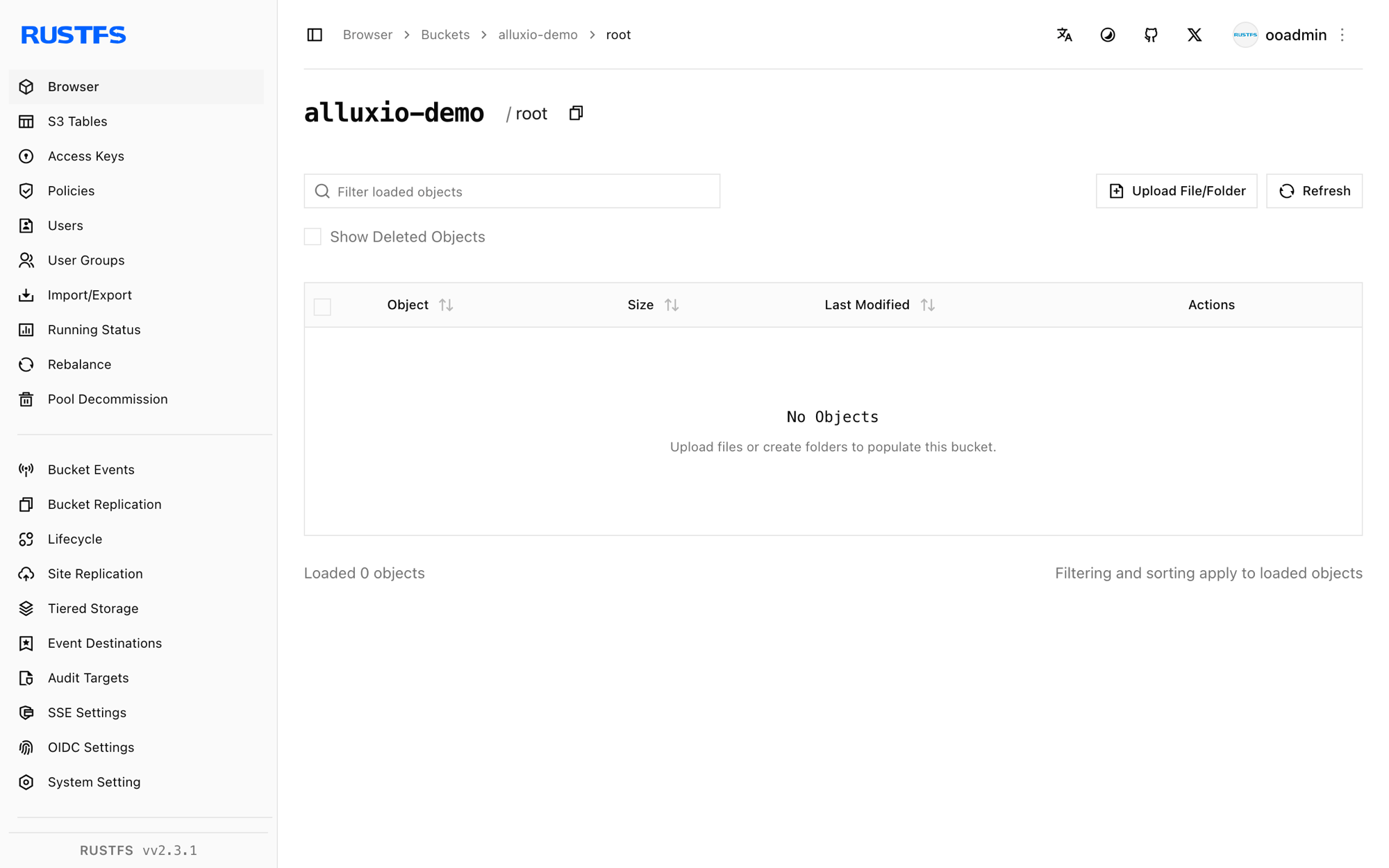
停止またはリセットする
docker exec alluxio alluxio fs unmount /rustfs
docker rm -f alluxio
rc rm rustfs/alluxio-demo/ --recursive --force
トラブルシューティング
tmpfs is smaller than the configured size でワーカーが終了する
ワーカーは RAM ディスクを /dev/shm に置きます。Docker の既定では、ここは 64 MB に制限されます。コンテナを --shm-size 2g で起動するか、alluxio.worker.ramdisk.size を下げます。
マウントは成功するが fs ls が InvalidAccessKeyId を返す
マウントオプションに短いキー名(s3a.*、aws.*)が使われています。Alluxio の UFS クライアントが受け付けるのは、手順 2 に示した完全な alluxio.underfs.s3.* のキーだけです。
S3 client v2 does not support global bucket access
パススタイルアクセスが無効です。--option alluxio.underfs.s3.disable.dns.buckets=true を追加します。IP 形式の RustFS エンドポイントでは必須です。
次のステップ
- ほかの Alluxio UFS タイプを採用する前に、S3 互換性に関する注意を確認します。
- アクセスキーの管理で、本番用の専用認証情報を作成します。
- 同じバケット上のキャッシュポリシー、TTL、多層ストレージについては、Alluxio のドキュメントに従います。